

Setup SWA App
Go to Application > Create App Integration.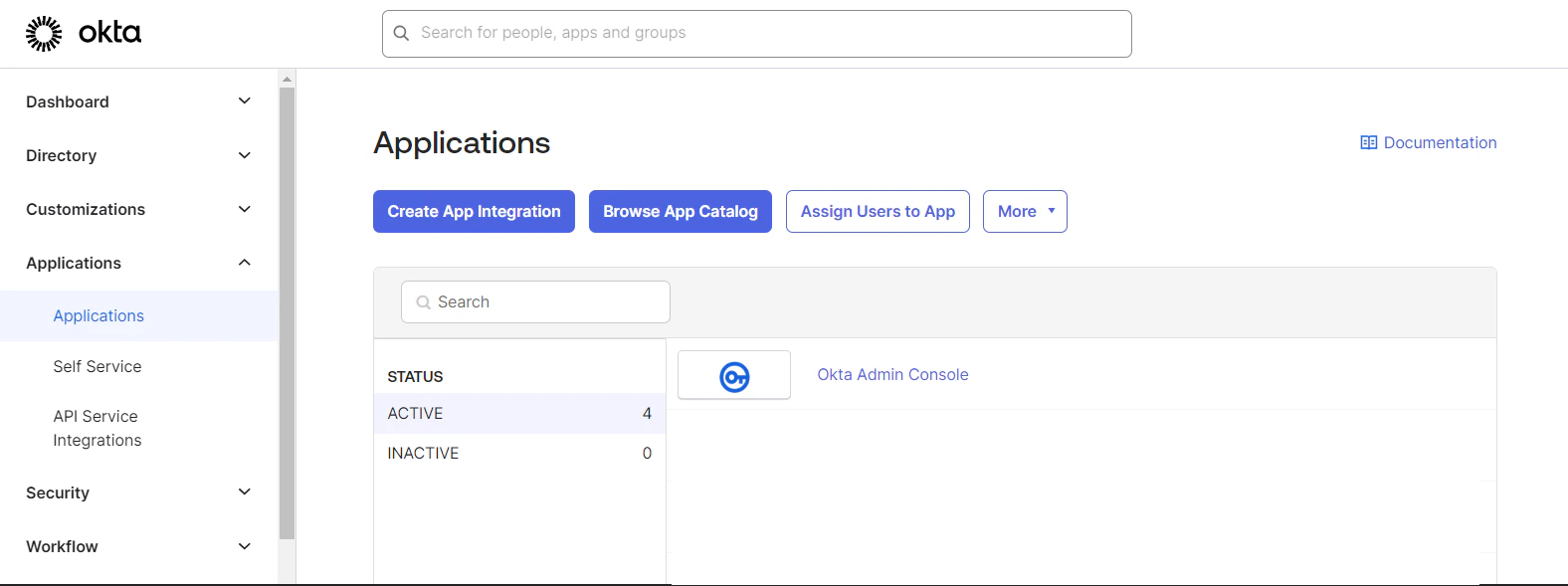
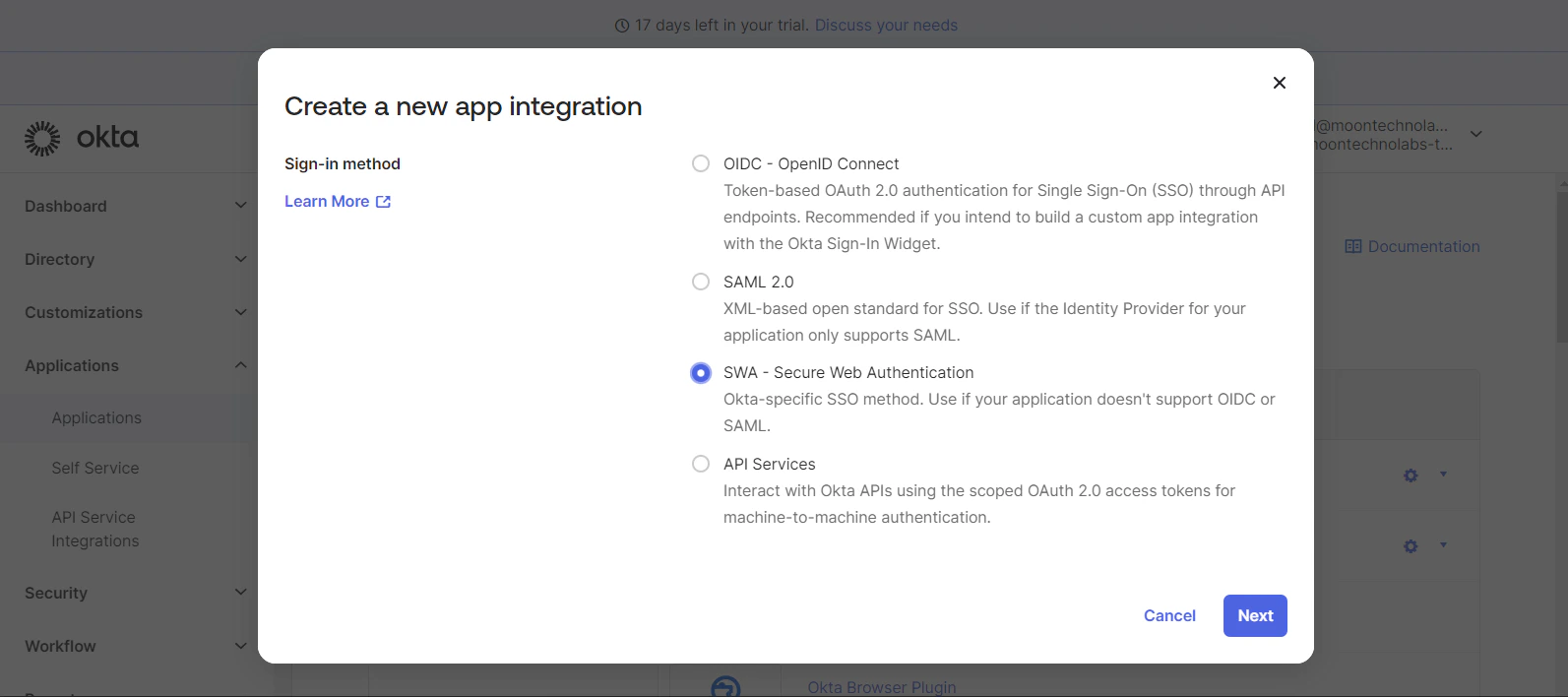
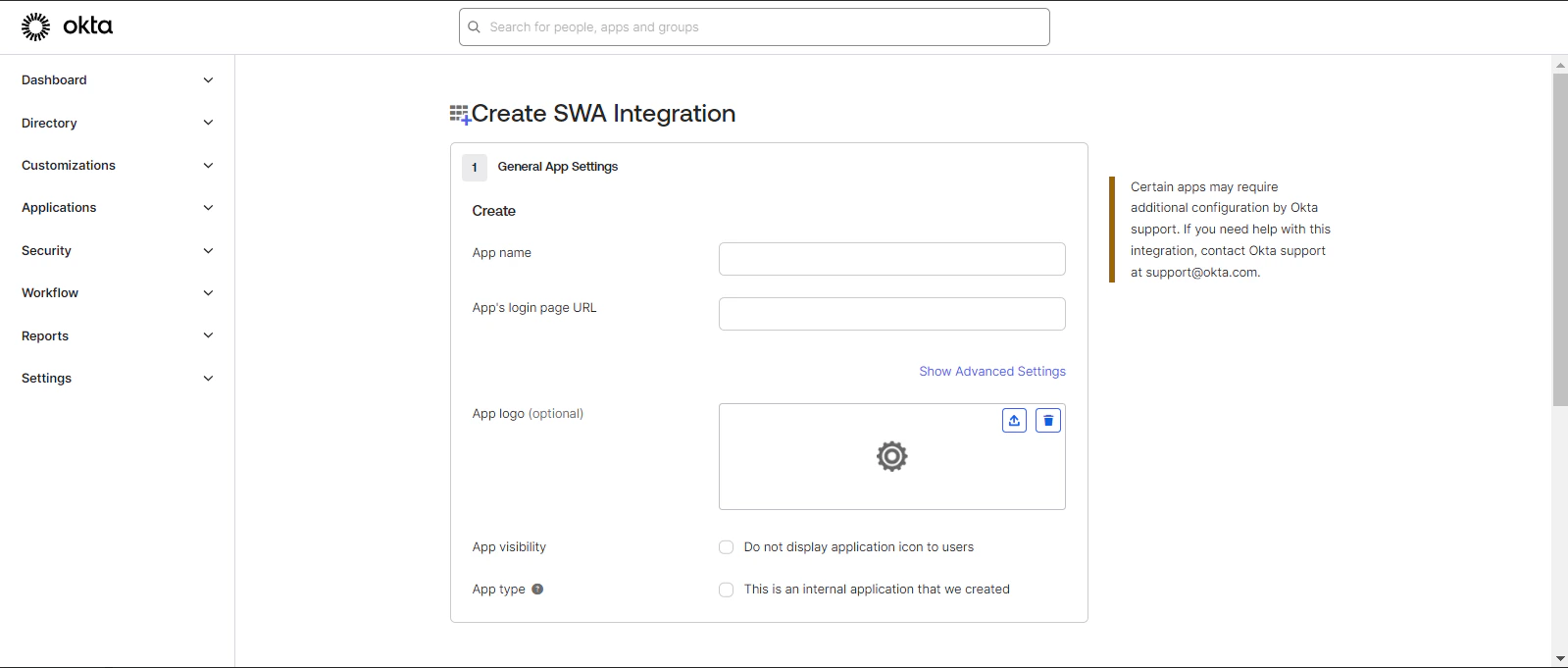
App’s login page URL: https://app.amplify.xyz/login/
Setup Provisioning
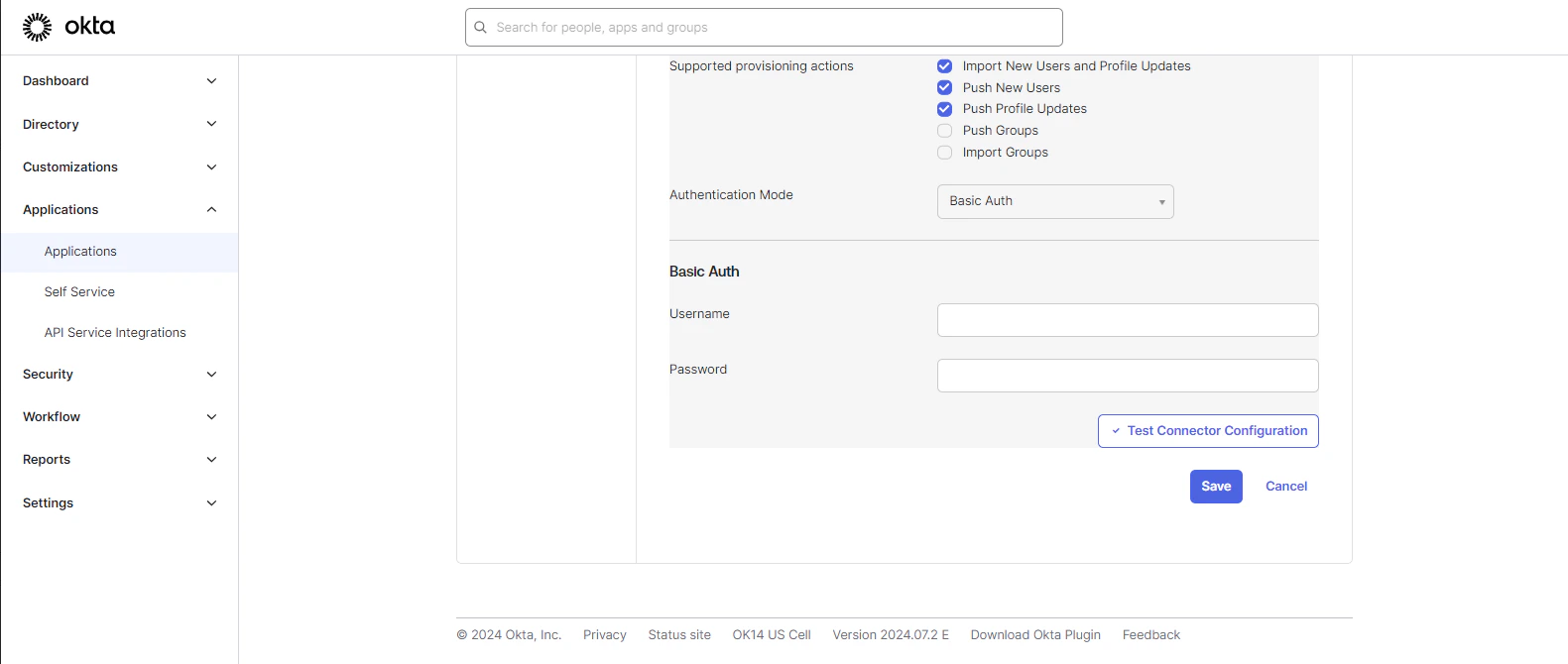
You can set up provisioning for the app with the following steps: Go to Provisioning > Integration and click Edit.Manage SCIM Connection
SCIM connector base URL: https://api.amplify.xyz/api/scim/oktaUnique identifier field for users: userName
Supported provisioning actions:
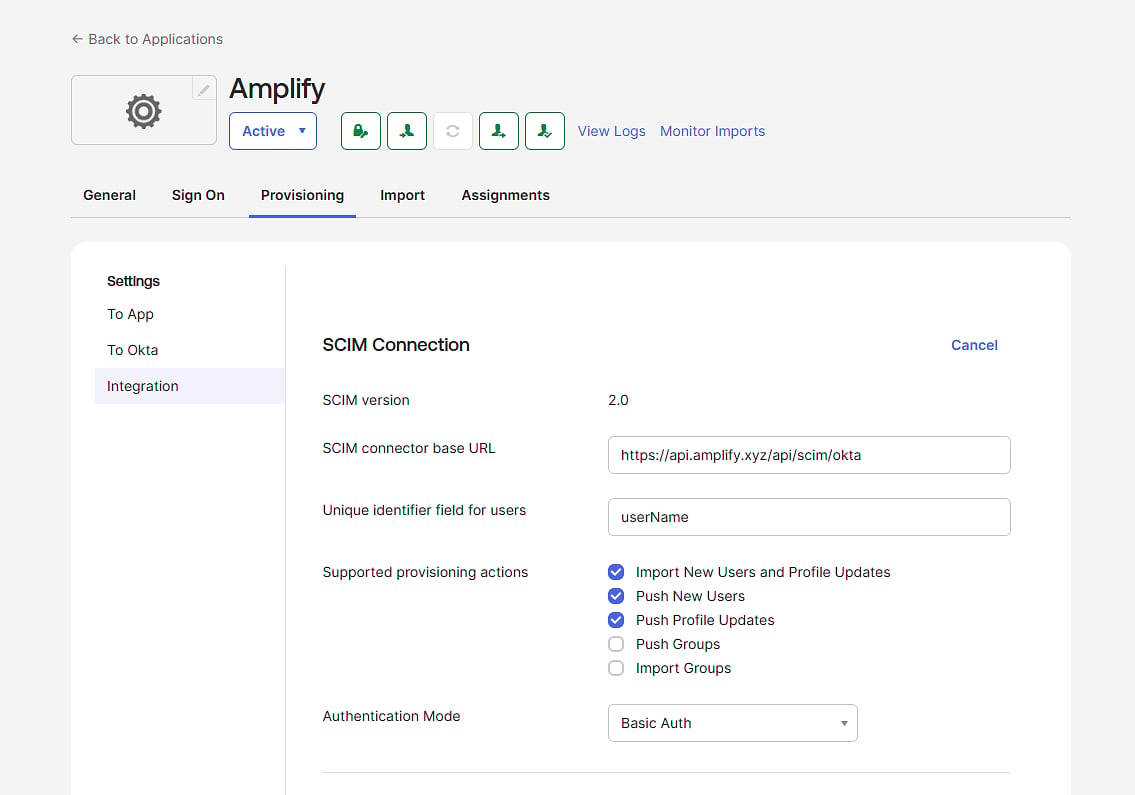
Password: Amplify Password
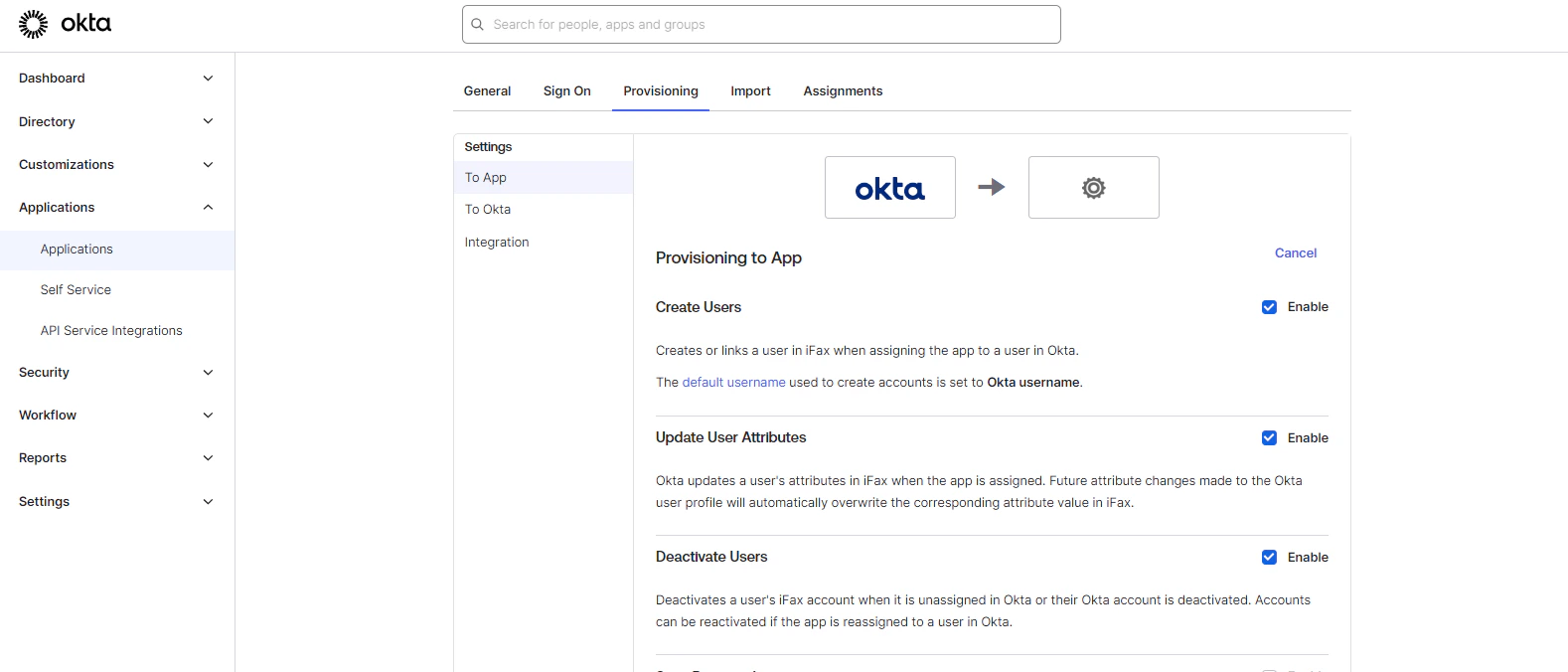
Update User Attributes
Deactivate Users
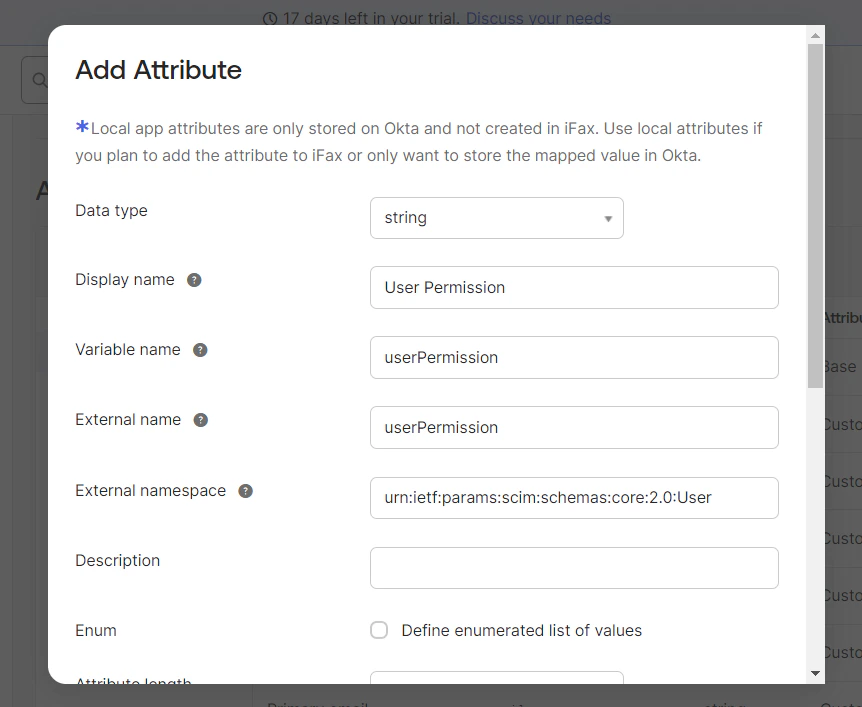
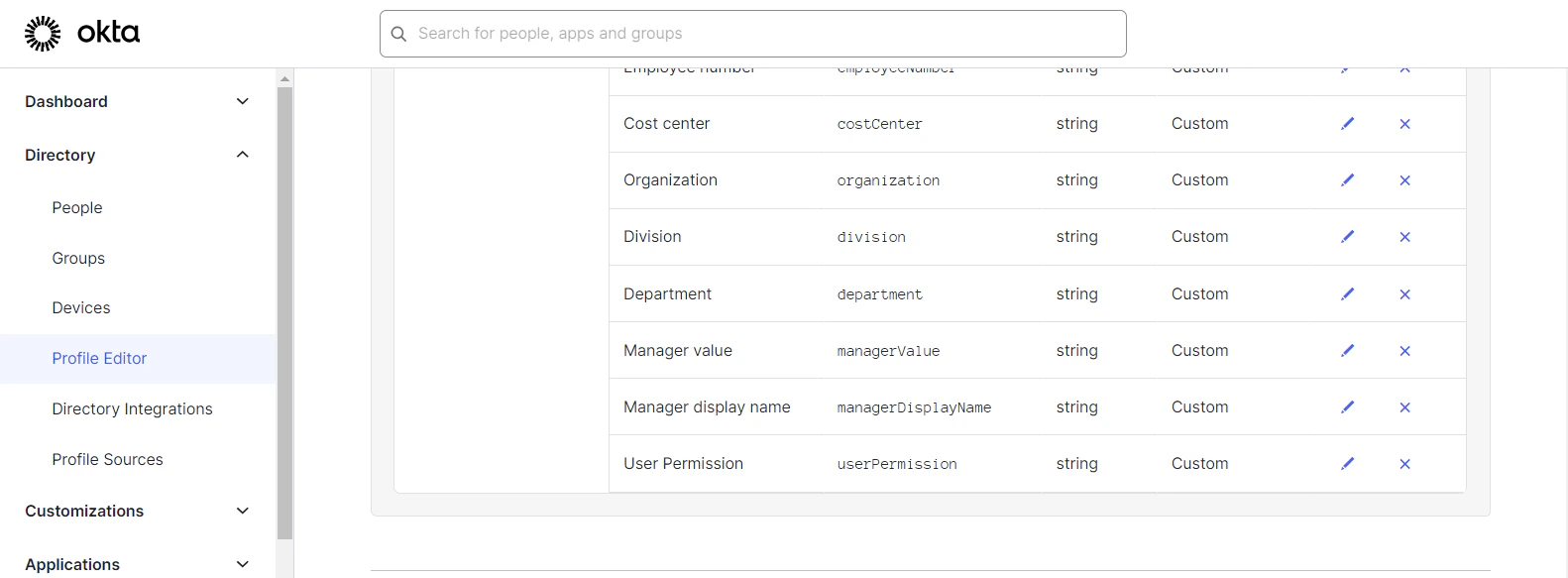
Add Attribute for Permission
To add a custom attribute for permission, follow these steps: Go to Profile Editor Search for your app.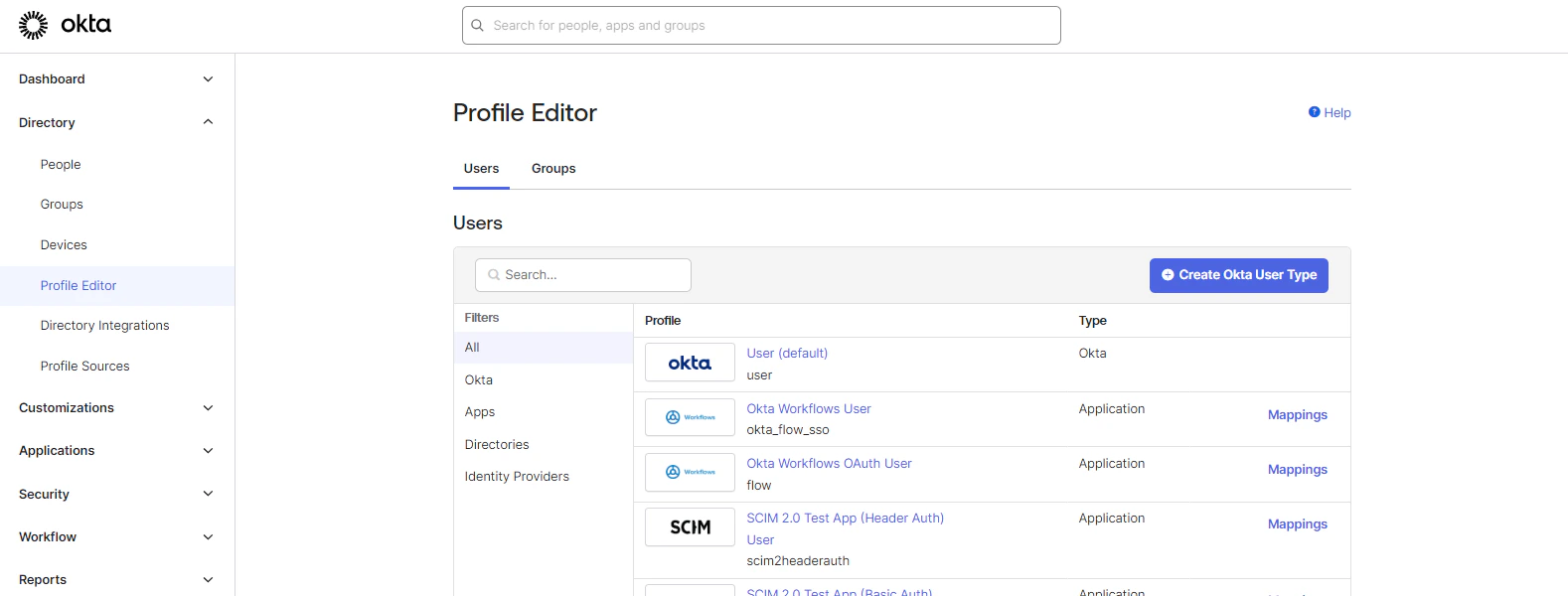
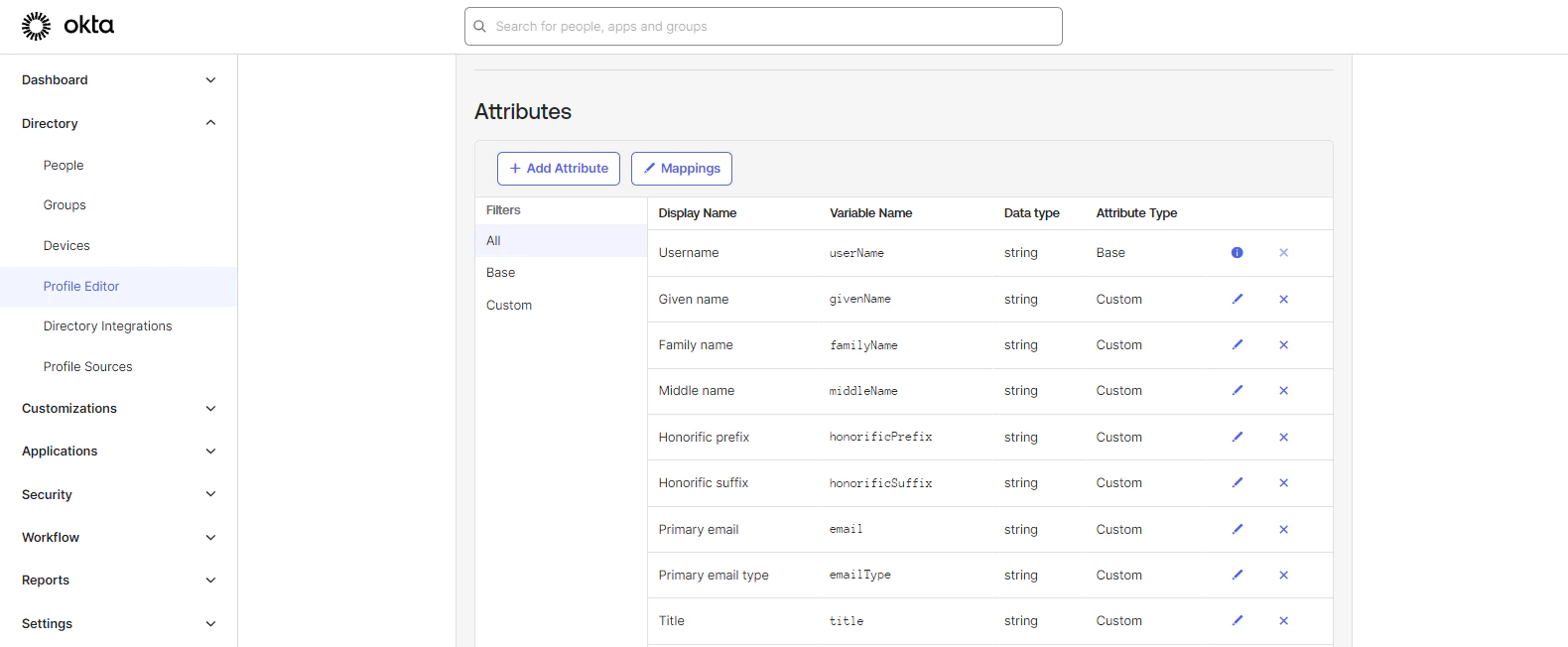
Display Name: User Permission
Variable Name: userPermission
External Name: userPermission
External Namespace: urn:ietf:params:scim:schemas:core:2.0:User
Assign Or Delete User
To add a user, follow these steps: Go to People > Add Person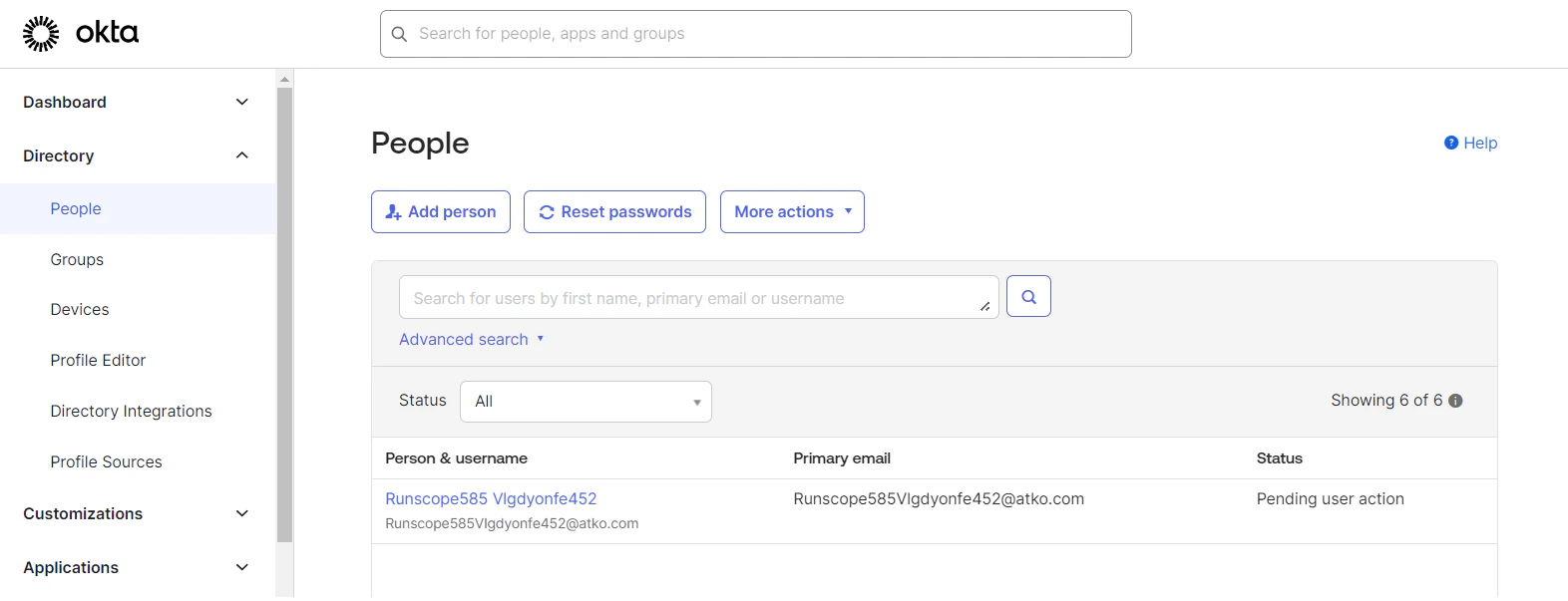
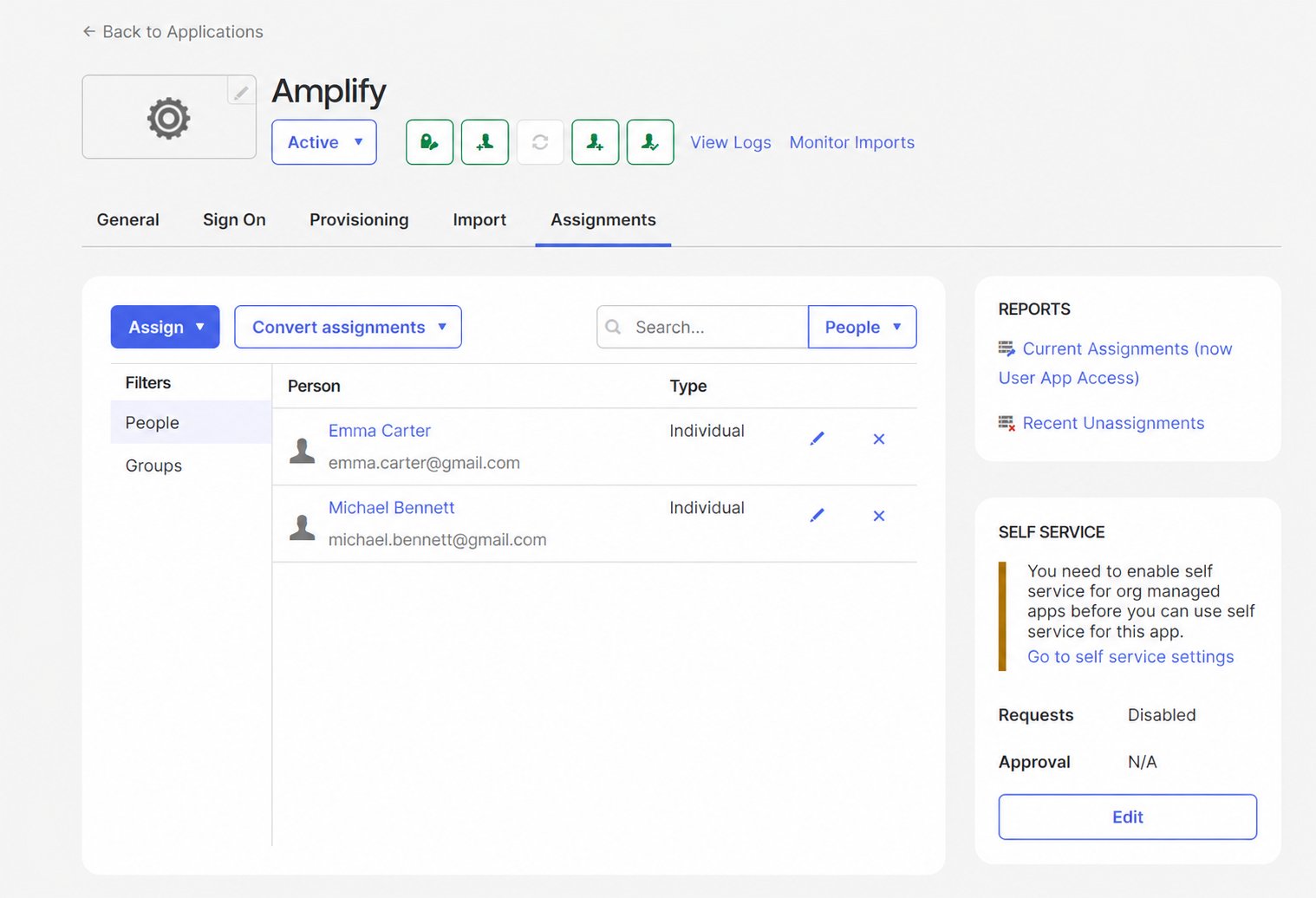
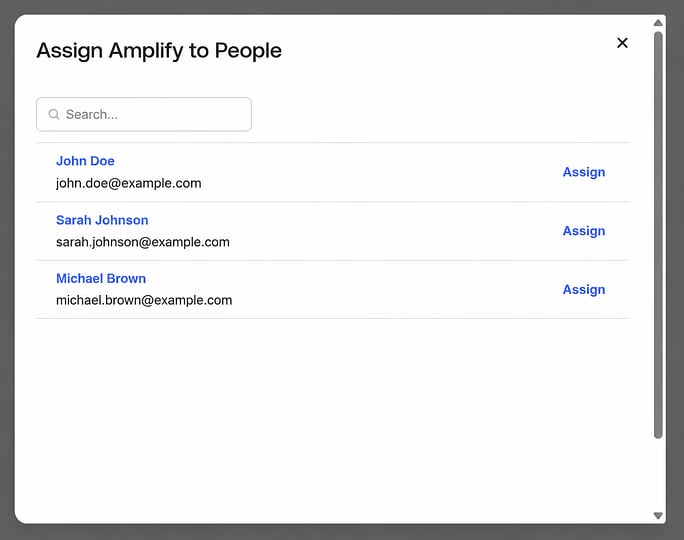
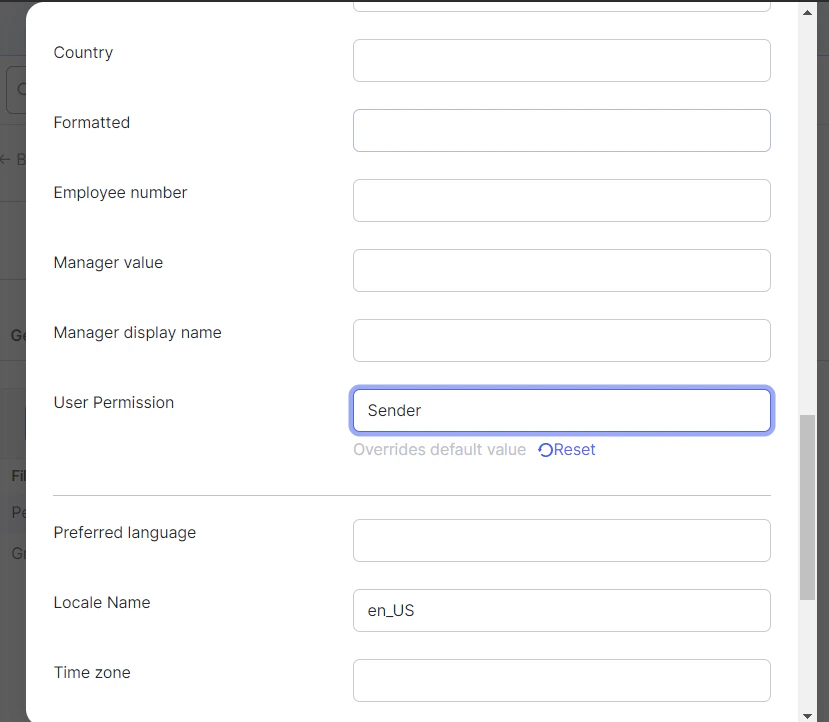
All permissions will be assigned to the user based on this group.